
Quarry
Quarry is an on-premises AI search engine for creative studios — a way to find anything across an archive without sending a single file to the cloud.
Rummaging through the Collection
Creative studios collect, reference and sit on thousands of images that form inspiration for their projects and creative work. Currently, references are buried in folders, hard drives, and in books – it is only the “ohhhh, that reference!” that makes a long lost reference found again.
Hardware
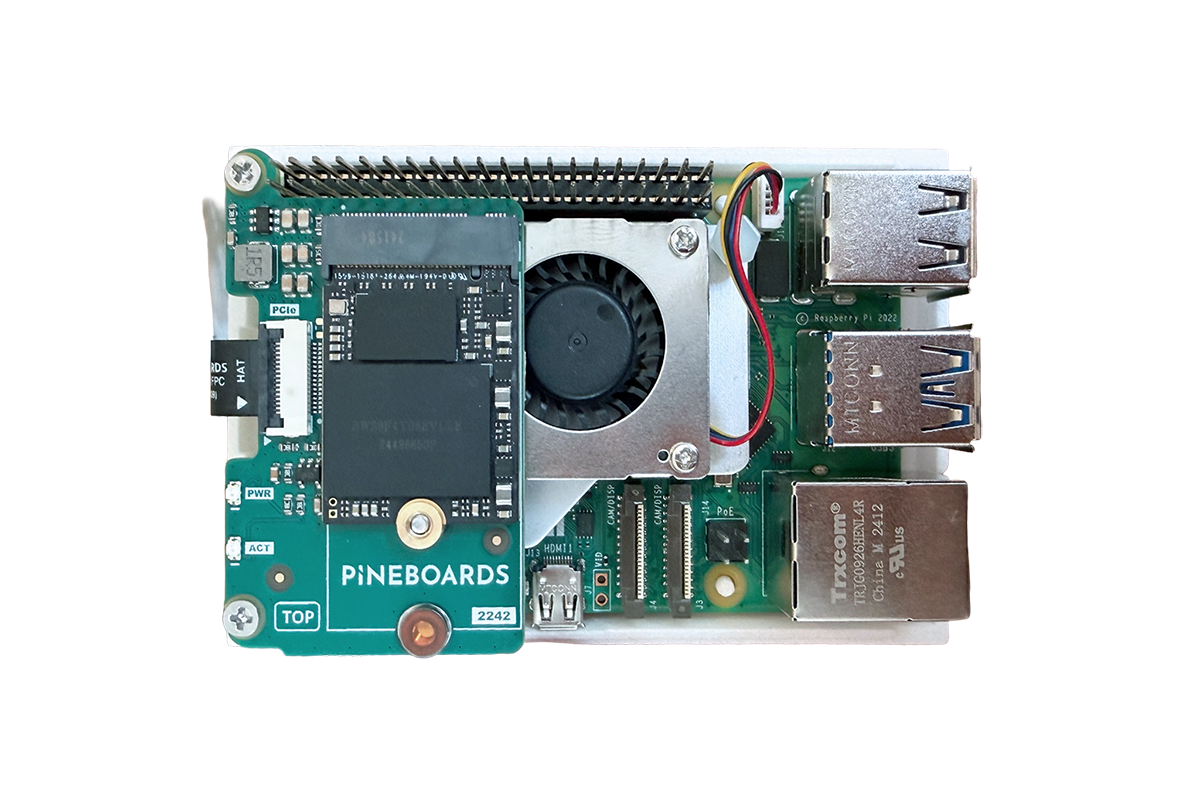
On-prem Device
Built on Raspberry Pi 5 with AI Hat
+ Software
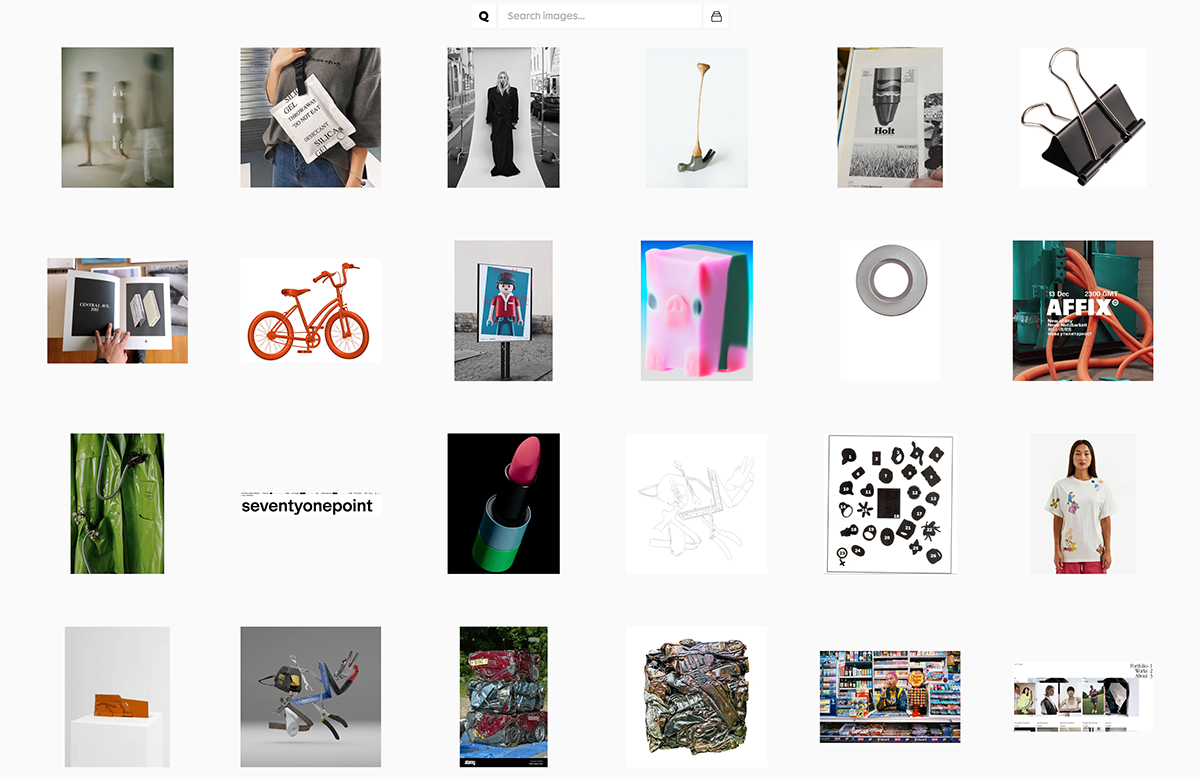
Studio Tools
Core software app
Figma plugin
Chrome plugin
= Quarry
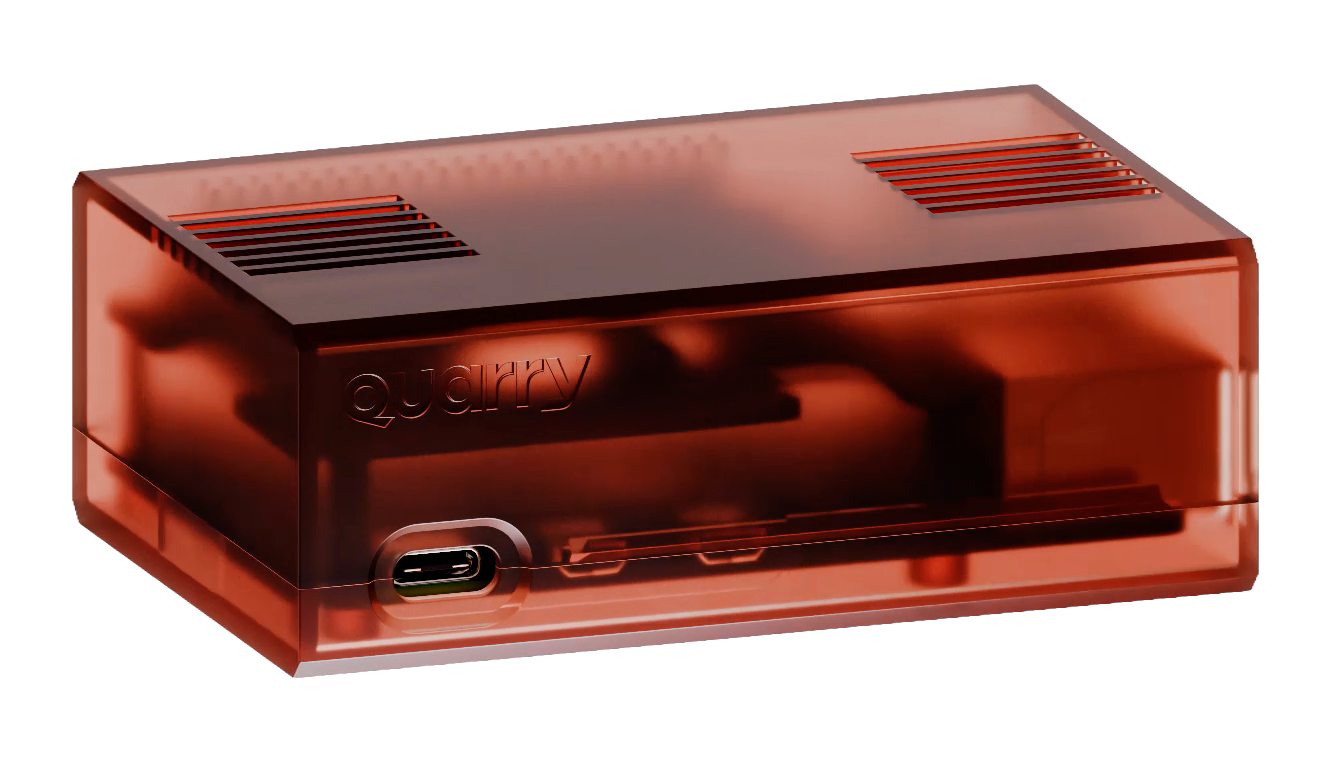
Private Archive
A creative studio's searchable image library
Quarry, conceived by Regular Practice, makes that library searchable by what an image looks like. It came to us as a vibe-coded prototype and our process built it into a system a studio can run every day.
Quarry allows a user to upload any size of image library and search the studio team's images in plain language. Ask it for warm-toned industrial materials or 1970s motorsport photography and it can search 10,000 images, searched in 0.4 seconds via dynamic caching and retrieval.
Safely On-Prem
Each creative collects references, ideas and ephemera that utilise within their creative process, and this very personal collection is the secret sauce which makes great work, great. These references steer the work and cannot be allowed to be loaded onto the cloud. Our solution was to make Quarry a search tool that runs on the studio's own hardware, on its own network.
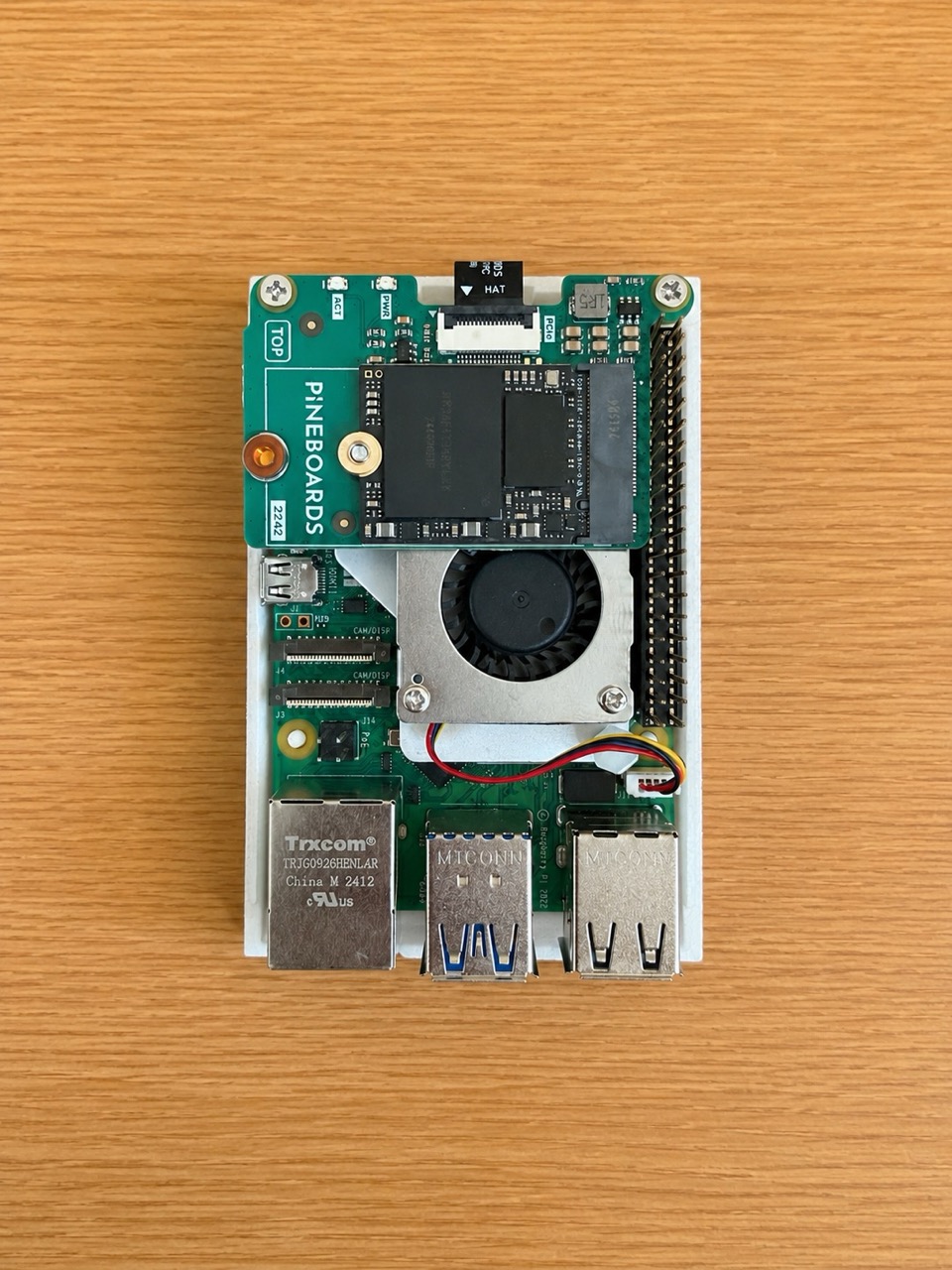
Software on Hardware
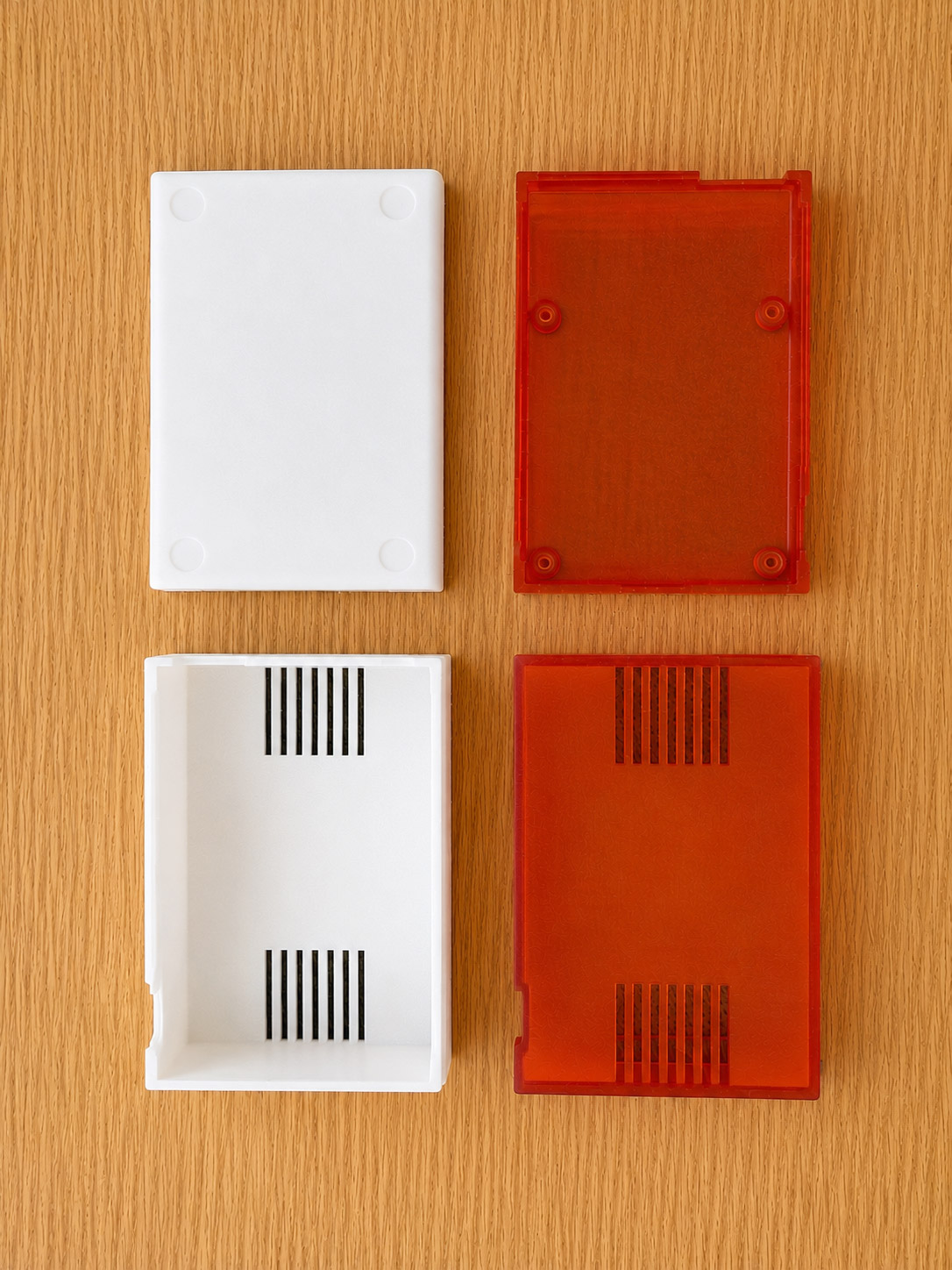
The whole pipeline runs on a Raspberry Pi 5, doing the embedding, indexing and semantic search itself. It handles tens of thousands of images and returns a search in milliseconds, on hardware that costs £180. The system services – image processing, search retrieval, software updates and storage – are split into separate services, so each is resourced on its own and runs in parallel. Each service reboots independently and self-heals on error, which means a fault in one part never brings down the whole system, and each can be updated or scaled without touching the rest.

Work from Home
Even though Quarry's ‘On-prem’ hardware keeps the images private, most studios have team members working remotely. Our solution was to build remote access over a Cloudflare Tunnel, so the team can reach the system from anywhere without the studio's network ever being exposed to the open internet. This also allowed us to ‘dial-in’ to the hardware to deploy firmware and software updates, ensuring the devices can be updated via authenticated, signed software releases.

Input <> Output
After core development, the focus switched to how users and teams would utilise the software within their day-to-day workflow. Quarry lived and died on input and output. Ensuring users can load a whole folder of images, save interesting images from the web and collaborate quickly and seamlessly was critical.
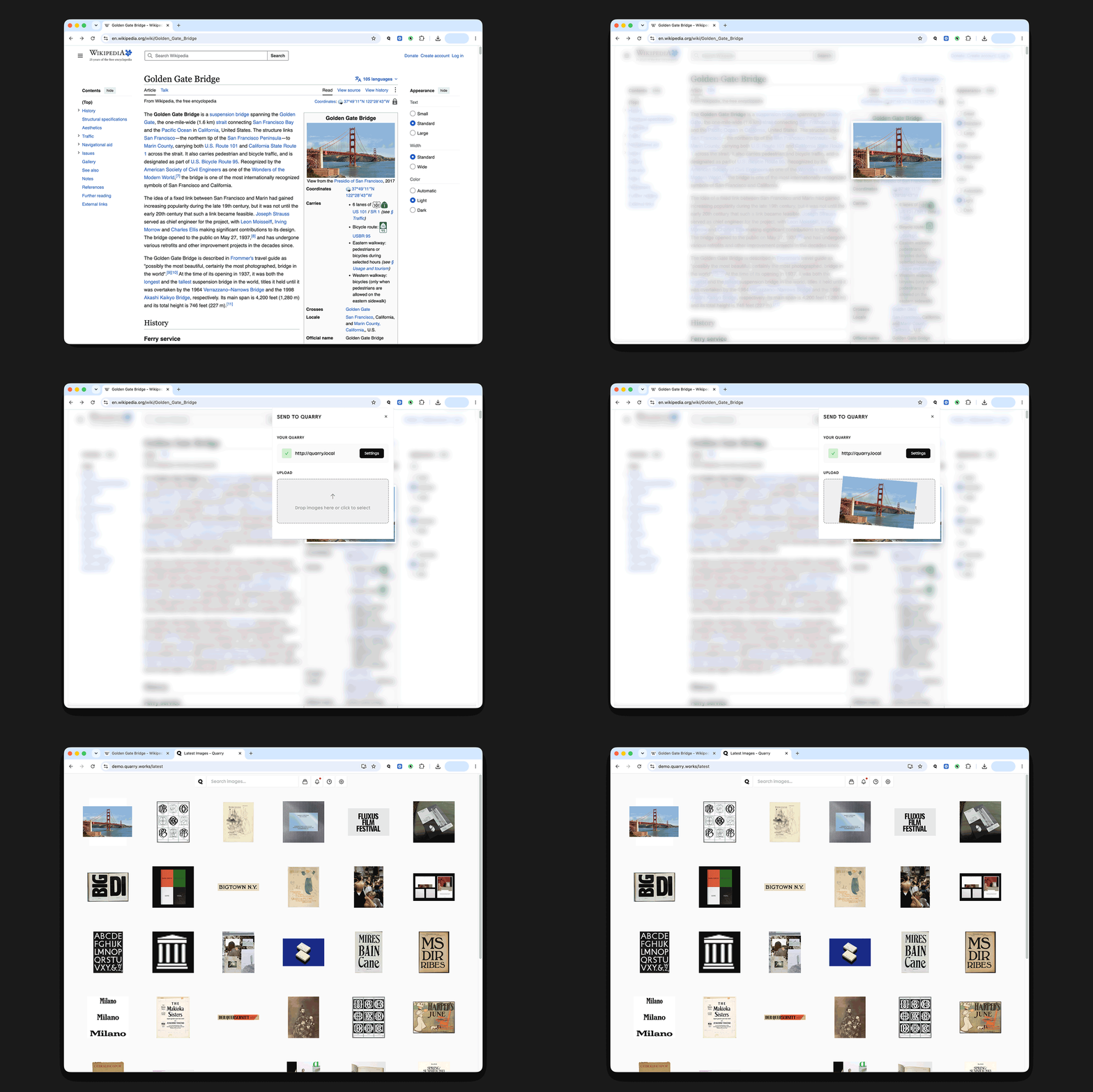
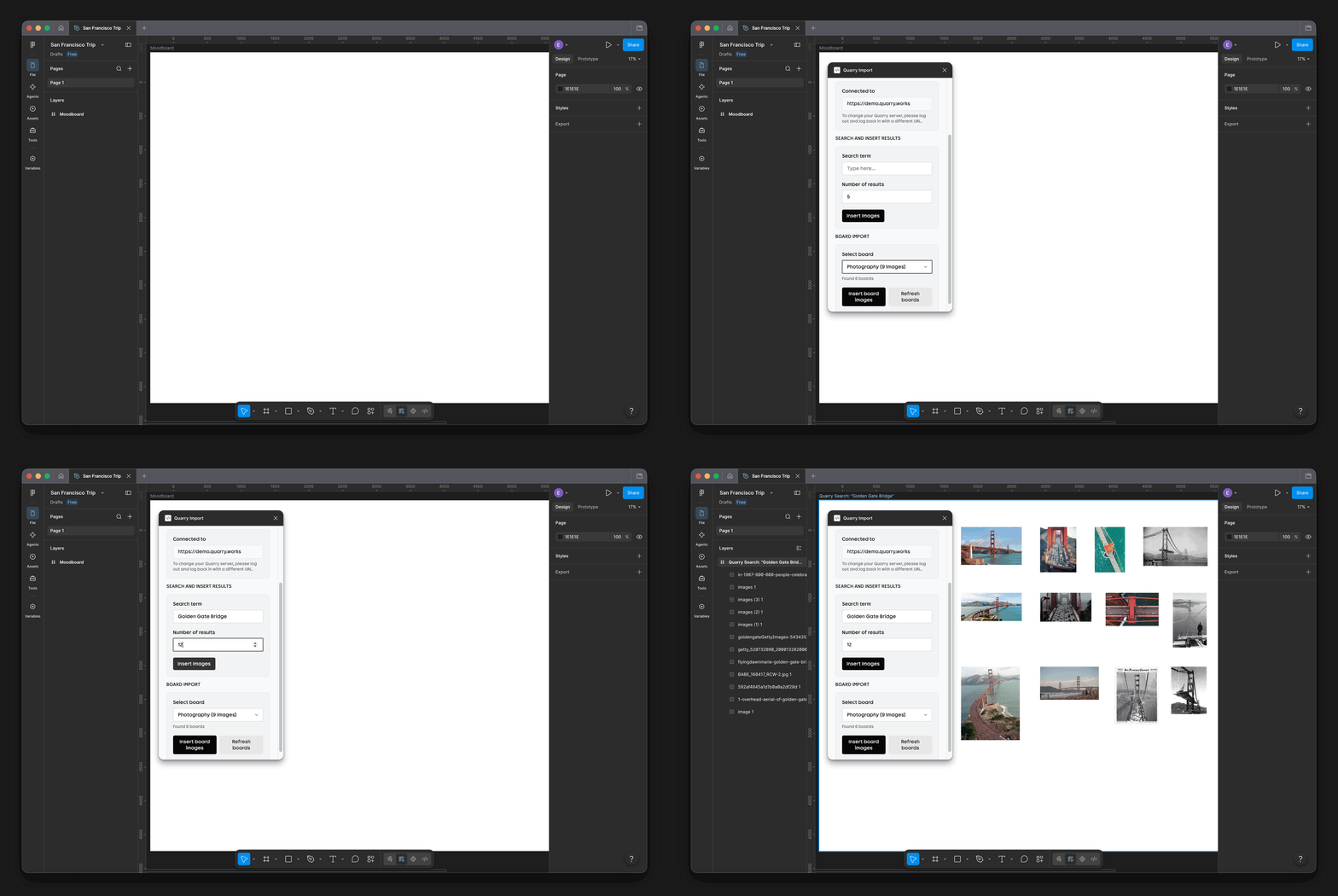
This led us to develop native Chrome and Figma plugins that enabled seamless workflow integration for the user – input images onto Quarry with a right click and save, and export a whole collection of images straight into Figma.
When a user plugs in, Quarry boots into the system on power-up and just runs. There is no fiddly setup or terminal requirements to get started; the idea was that Quarry was completely user friendly. The initial setup being super simple to setup: Drag a folder in and the system sorts, indexes and files it in the background.
Testing the Hardware
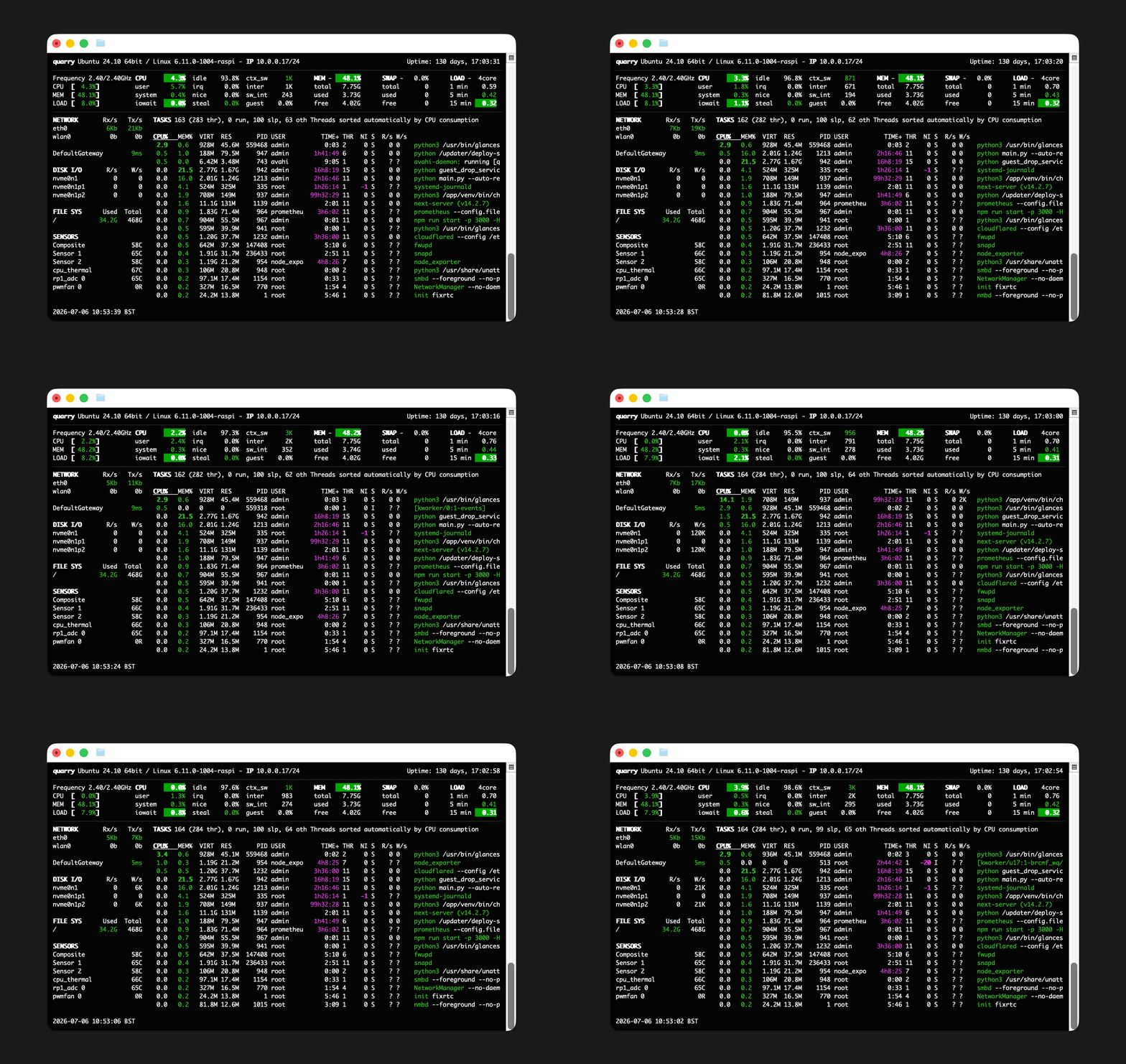
We built a lightweight monitoring tool to understand how the device behaved under sustained load. By stress-testing it with vast image libraries, we could track operating temperatures and see whether prolonged heat had any effect on the case (It was all fine!)
Folded Together with Design
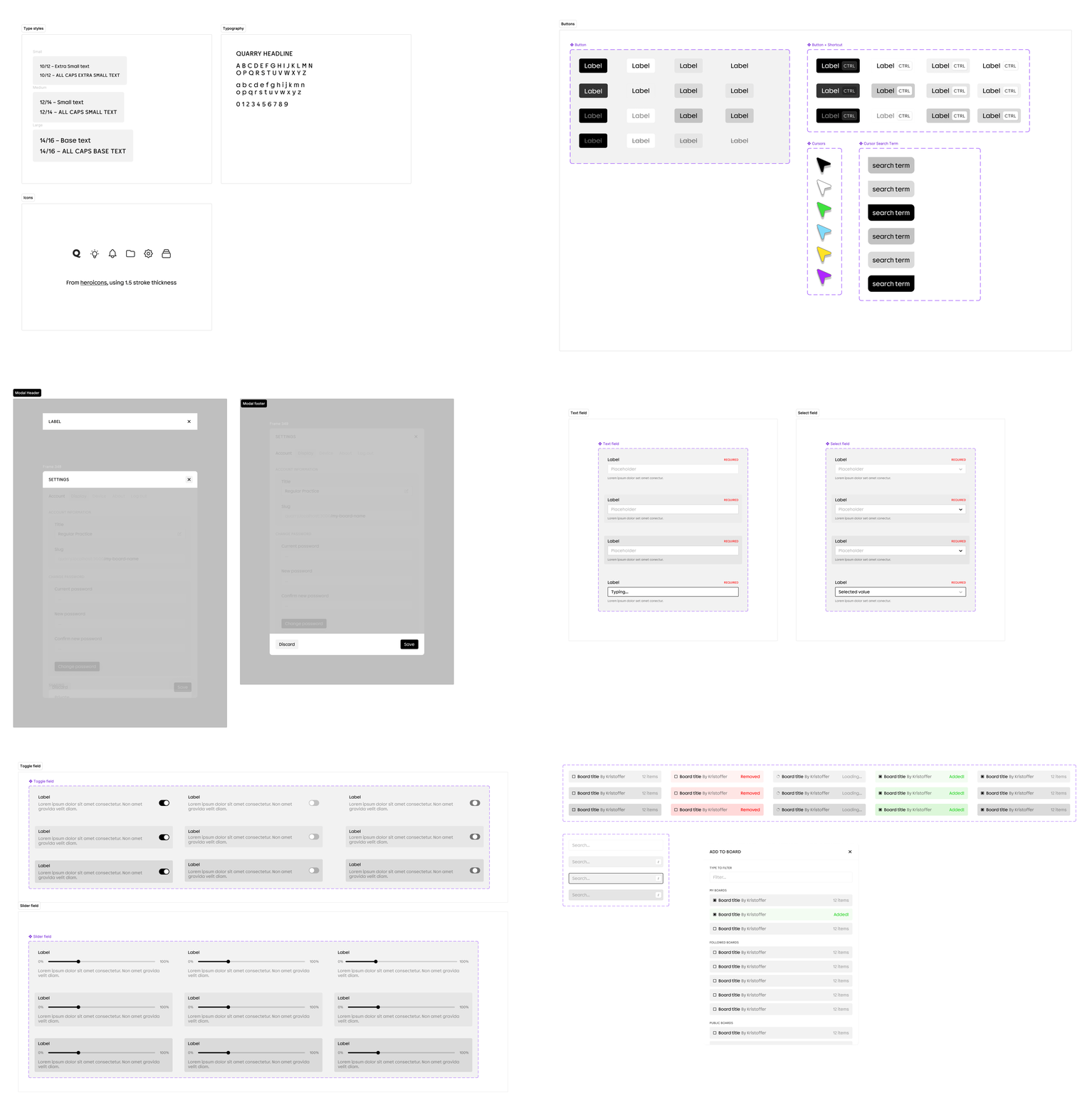
The software interface was built from a defined type-scale into a shared component library, with team accounts and shared-usage designed into it from the start rather than added later. The core functionality focused around a hanging search bar, supported by minimal icons that navigate to the core features. This central pillar then expanded down and filled with supporting content, configuration pages, commands and filters.
Every search, button and section was also assigned a keyboard shortcut allowing the user to navigate and use Quarry efficiently and quickly.
Whilst exploring images, each user's visits left a breadcrumbed trail to allow for the user to quickly revisit what they had previously viewed. Combined with team accounts this enriched view shows the combined viewing of trending images and popular searches.
Quarry; Delivered
Our thinking turned Quarry from a rough prototype, into an initiative that studios can rely on as an integral part of their workflow, whilst helping them discover what they forget they even had.
Technical Stack
- Ubuntu Server 24
- FastAPI
- MobileCLIP
- ChromaDB
- Pillow Image Processing
- Prometheus
- AWS IoT, S3
- Cloudflare Tunnel & Workers
- React / Next.js Frontend
Capabilities Demonstrated
- AI / Machine Learning
- Microservices architecture
- Asynchronous, queue-based background processing
- Dynamic database migration
- Over-the-air fleet deployment
- Linux System Administration
- Raspberry Pi image building
- Dynamic DNS provisioning with Cloudflare Tunnels
Impact
0.4s
search across 10,000 images
£180
on-prem hardware cost
0
files sent to the cloud